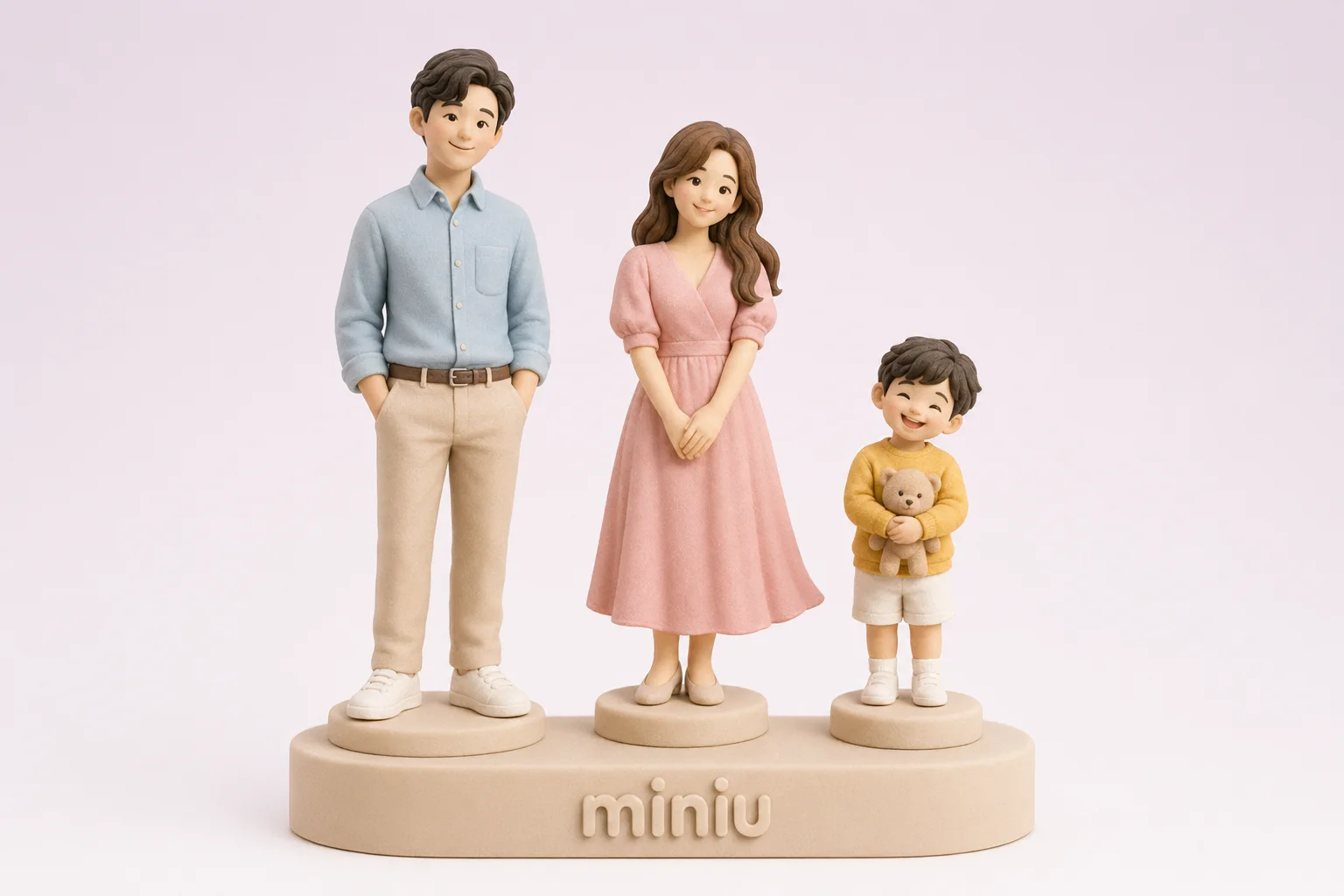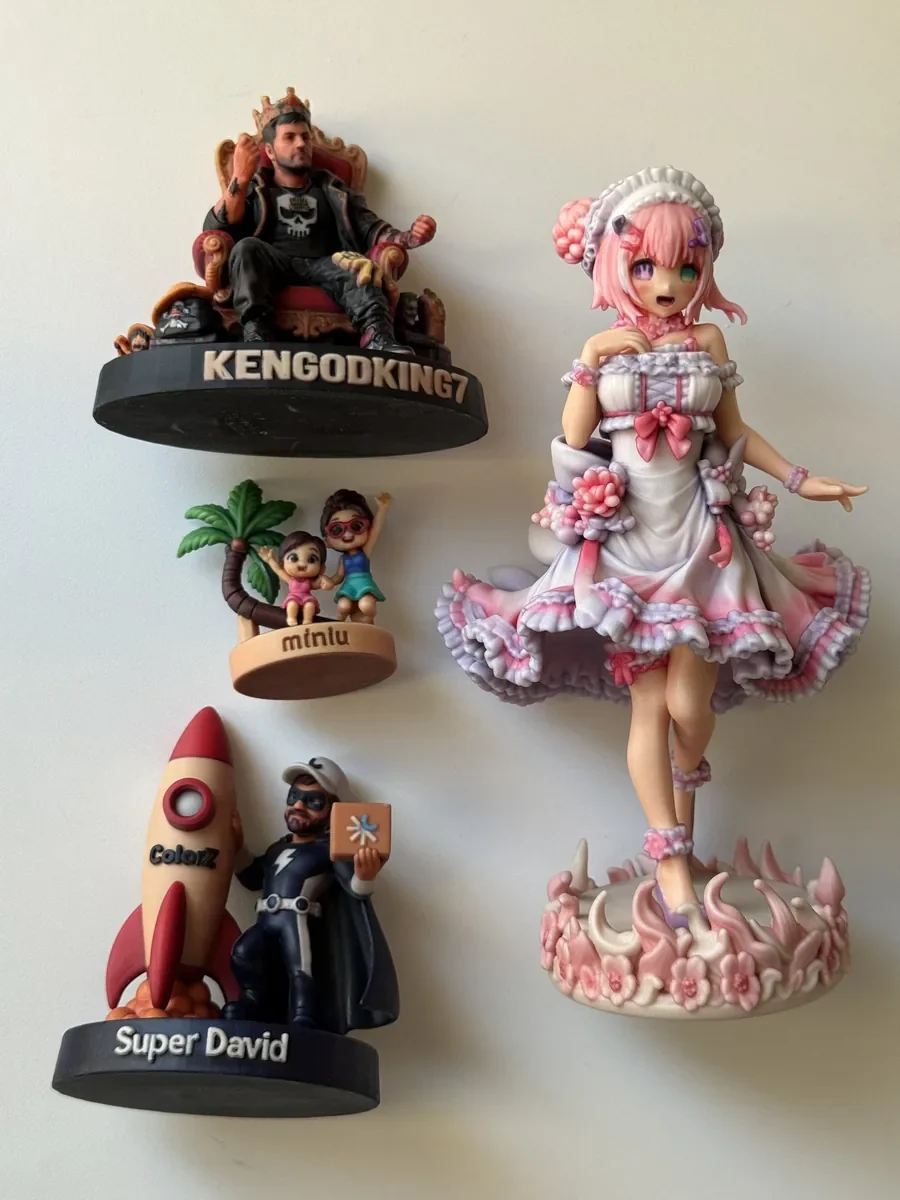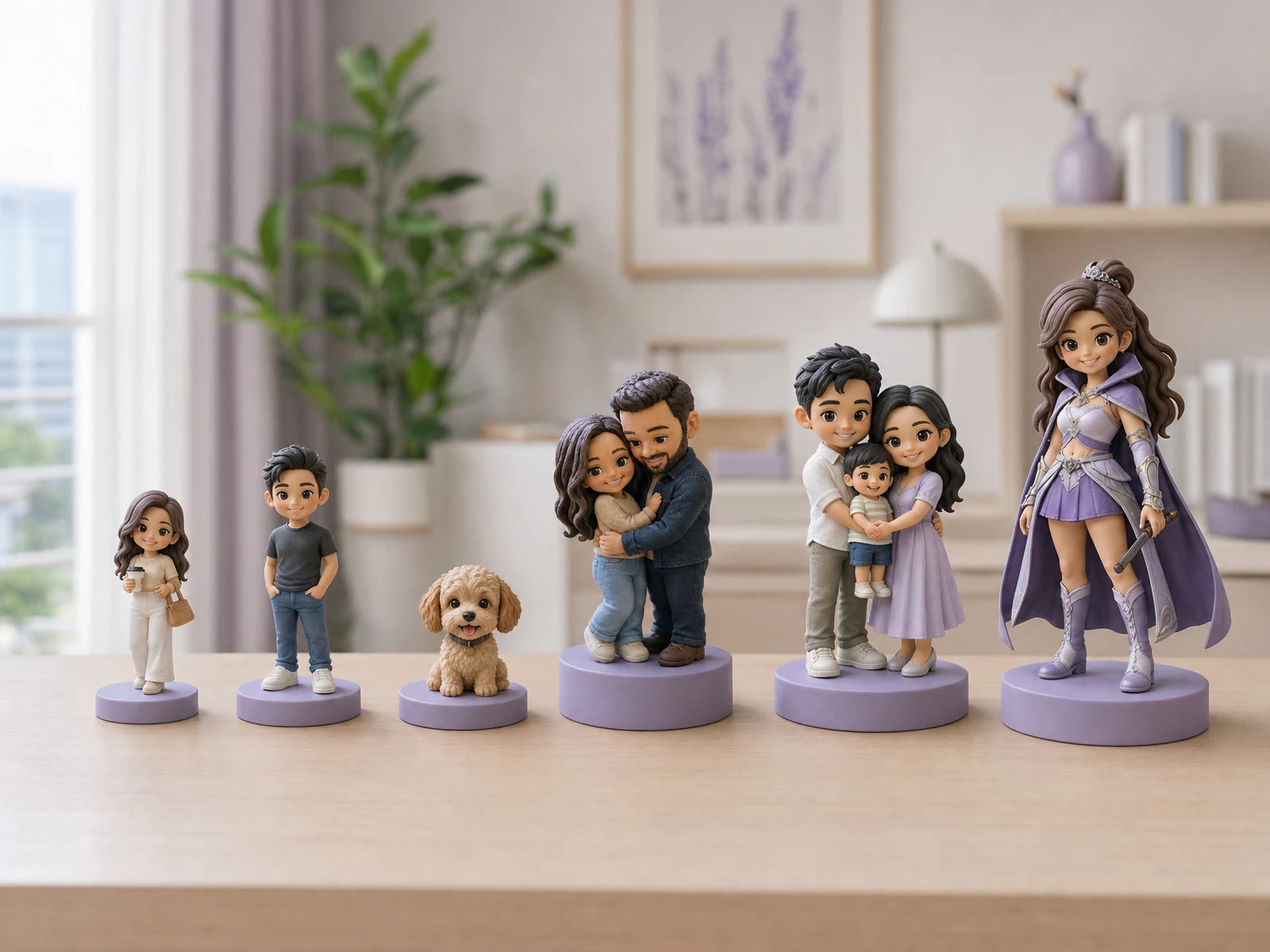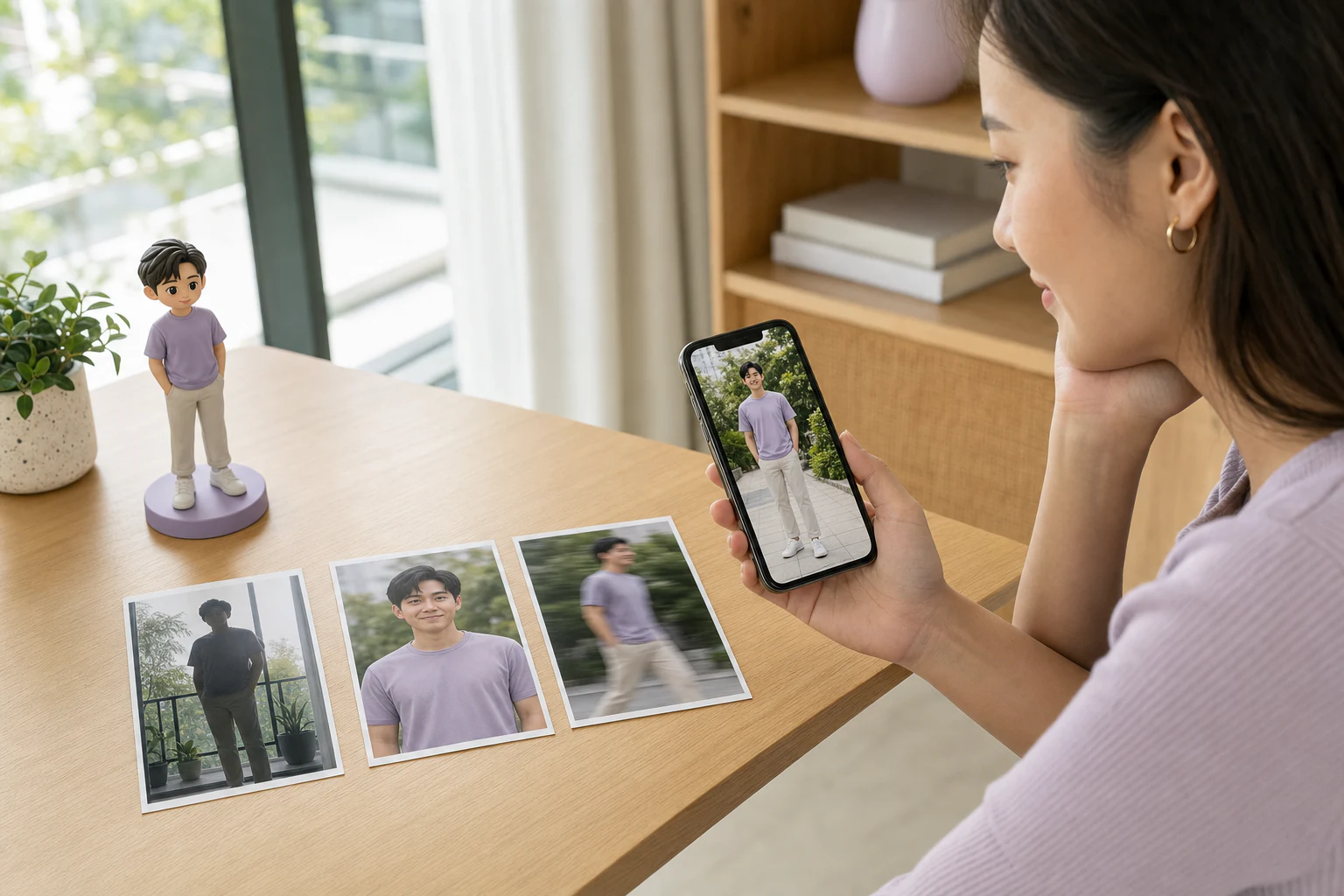
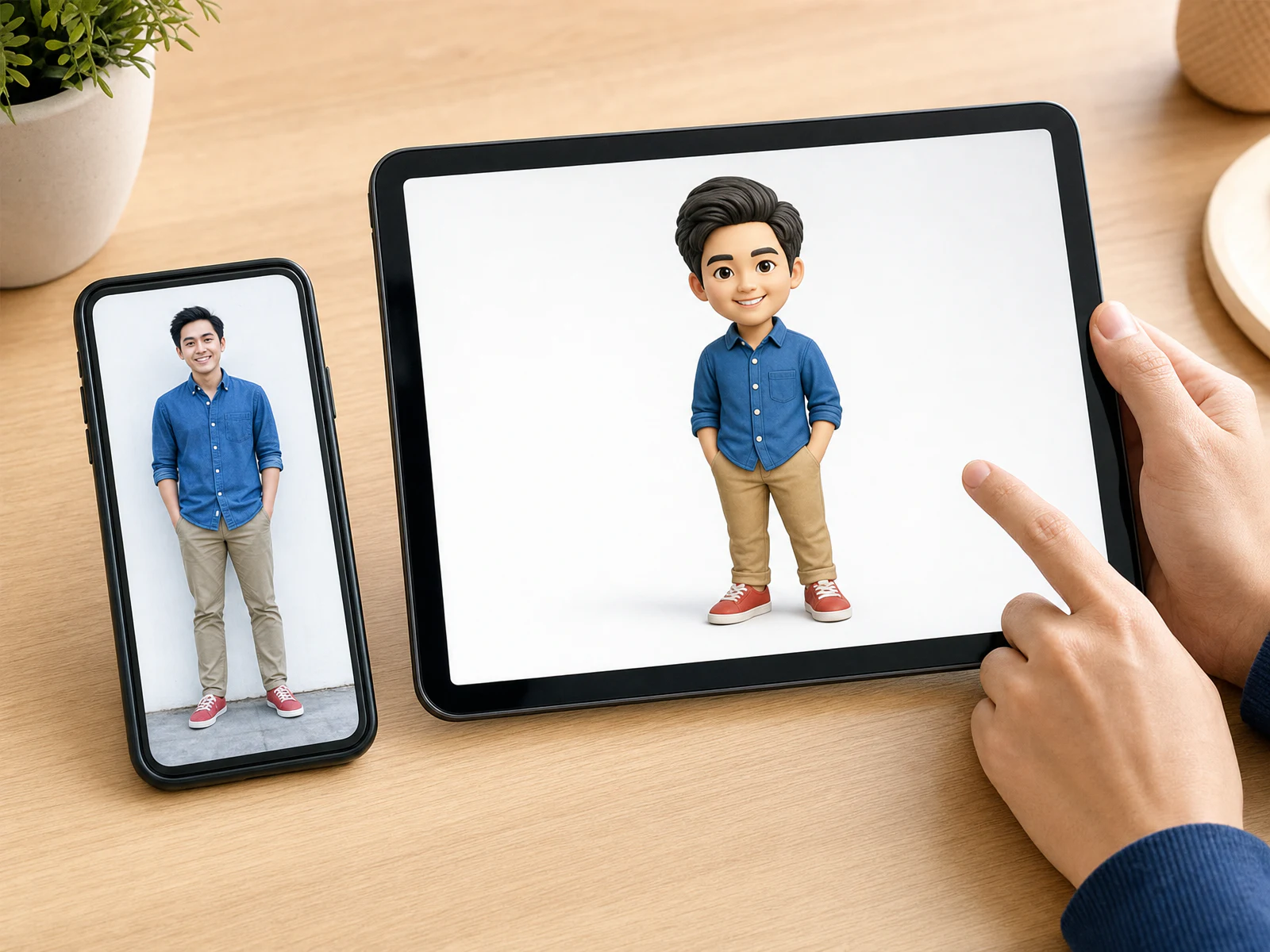
Put the photo and the Preview side by side
Before deciding whether you like the result, bring back the one photo you uploaded and the two details you most wanted preserved. Look at them beside the Preview. A striking image can still be the wrong direction if it has the wrong person, outfit, posture or pet markings.
The hero above is an editorial illustration of this comparison, not a screenshot of the Miniu app or a customer’s order. If you are still choosing a source image, begin with the photo-selection checklist. This guide starts once your Preview has appeared.
Six checks in a useful order
- Who and how many? Confirm that every intended person or pet appears and that an extra subject has not been introduced.
- The features you recognize. Examine face shape, hairstyle, glasses, ear shape or coat markings. A stylized figurine will not be a pixel-for-pixel portrait, but the defining cues should feel right.
- The style and proportions. A Cute, Chibi or Art Toy direction may change head size and body proportions deliberately. Ask whether this is the style you want to display, rather than judging it as a realistic photograph.
- Pose and relationships. Is someone holding the correct object? Are two people standing together as intended? Does the pet have the familiar posture?
- Main colours and clothing. Check the location of the important colours: shirt, hair, coat pattern and large accessories. A screen cannot promise an exact printed colour match.
- The one detail that carries the idea. Look for the red glasses, graduation gown, bouquet, collar or tool you explicitly requested. Separate that essential feature from optional decoration.
Zoom in to inspect a questionable area, then return to the whole image. A mark visible only under heavy zoom may not read clearly on a 4 or 6 cm object. The size guide helps you decide whether the detail needs more room.
Decide whether to proceed, revise or ask
If the proportions themselves feel wrong, revisit the figurine style guide before requesting small corrections. A different style may suit your taste better than repeatedly refining the same direction.
Revise the direction when a major subject is missing, the outfit or main colour is wrong, the pose changes the story, or an expressly requested detail has disappeared. A precise instruction such as “keep the thin red glasses” is more useful than “make it better.” Also check whether your selected style is causing a difference you do not actually want.
Ask Miniu before paying when the original photo does not show a critical feature, when you need the reverse side to be specific, or when a delicate prop may be difficult to produce. Use the contact page or LINE @miniu_bkk and name the feature that matters most.
The app provides options to modify and regenerate. Another generation may cost credits, so check the displayed cost rather than repeatedly pressing regenerate with the same photo, style and request.
What this image cannot prove
For actual examples rather than a checklist, see four saved Previews beside their finished figurines. That guide separates visible small-detail differences from changes to the design or selected base.
Miniu’s initial Preview is a 2D image, not a rotatable 3D production model. It cannot establish the hidden side, thickness of a fine part, final surface texture or how strong a tiny accessory will be. Those are physical-production decisions, and some details may be simplified to suit the chosen size.
Similarly, a tablet or phone display is not a colour-calibrated sample of the finished resin. Screen brightness, room light, material and finishing all affect appearance. The full-colour resin comparison explains why an on-screen design and a printed object should be assessed differently.
One final check before payment
Once the direction is right, review the size, number of subjects, base, accessories, complete THB total and delivery information in the app. If you need the gift for a fixed date, ask about timing before ordering. How Miniu works explains the full sequence; the custom figurine page is a useful starting point if you have not begun a design.
For names, colours and props, the base and personalization guide explains the actual options and text limit. Check those selections separately from lettering or a decorative base shown in the initial image.
The goal is not to certify every pixel. It is to catch the differences that would change the meaning of the piece while there is still time to choose a better direction.