Use this seven-point photo check
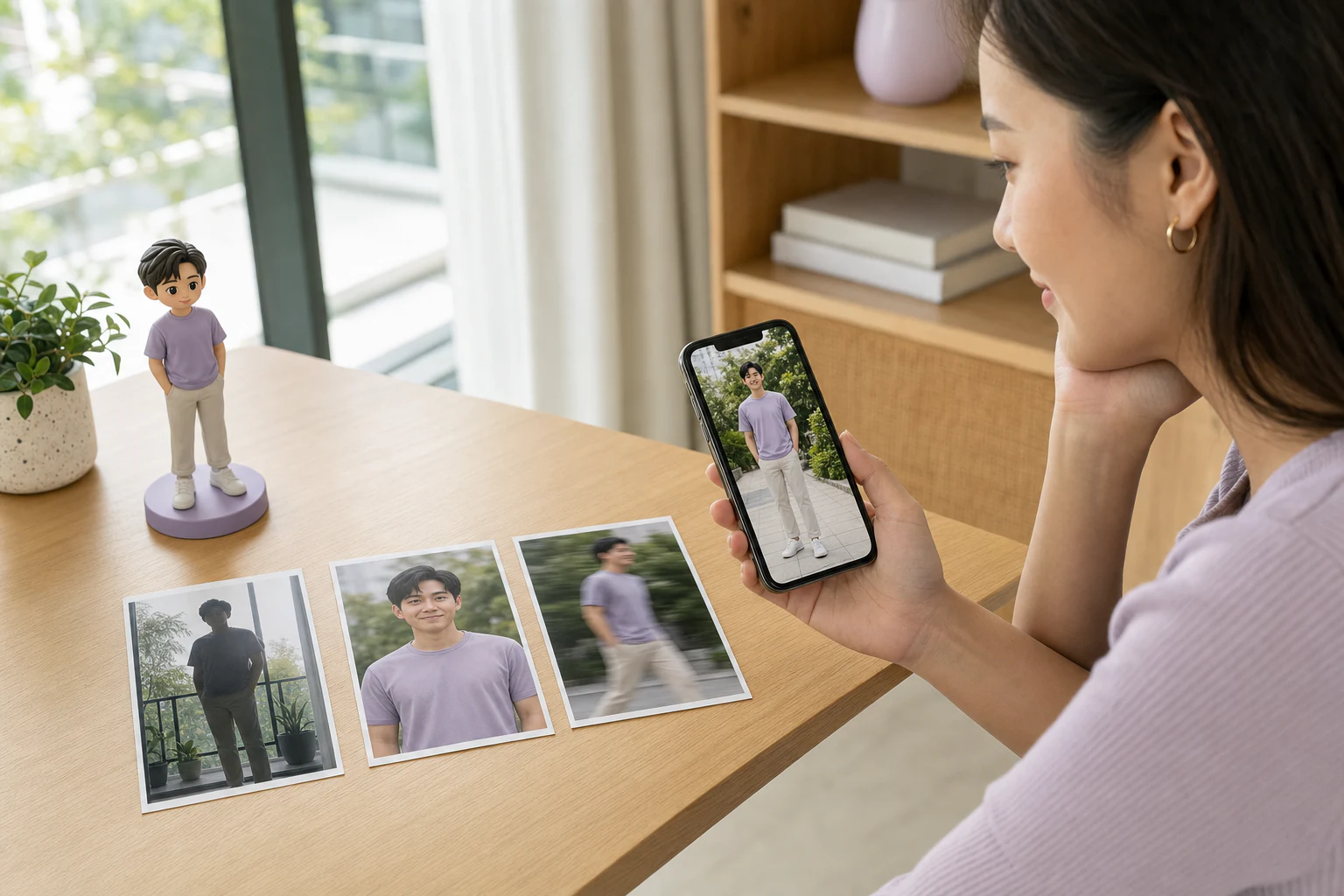
The best source image is not necessarily the most flattering one. It is the image that explains the subject with the least guesswork. Open each candidate at full size and check:
- Sharpness: eyes, hair edges, and clothing remain readable when you zoom in.
- Useful light: the face is not lost in deep shadow or reduced to a silhouette by strong backlight.
- Subject size: the person or pet occupies enough of the frame to show defining details.
- No important obstruction: hair, masks, bags, furniture, or other people do not hide the face or body areas you need.
- Framing that matches the format: full-body pieces need the whole body; busts need a clear face, hair, neck, and shoulders.
- Natural features and colour: filters do not reshape the face or change skin, clothing, eye, or coat colour.
- A recognisable moment: the expression, posture, outfit, or small feature reflects how you want the subject remembered.
You do not need a studio session. A straightforward phone photo taken in bright, even light can be more useful than a beautiful night portrait that hides half the information.
When choosing between several photos, minimise uncertainty
Place the candidates side by side at the same size. The strongest primary photo should answer four questions quickly:
- What do the face and hairstyle look like?
- Which outfit and colours should guide the model?
- Which standing, seated, or object-holding pose matters?
- What one or two details must remain recognisable?
Miniu currently starts from one primary photo, so choose the image that answers the most questions by itself. You do not need to prepare multiple angles for the current starter. If a frame colour, base name, collar, or small accessory matters, identify it in the request field instead of expecting it to be inferred.
The custom 3D model from a photo page explains the complete service, while How Miniu works shows where the upload and Preview fit into the order journey.
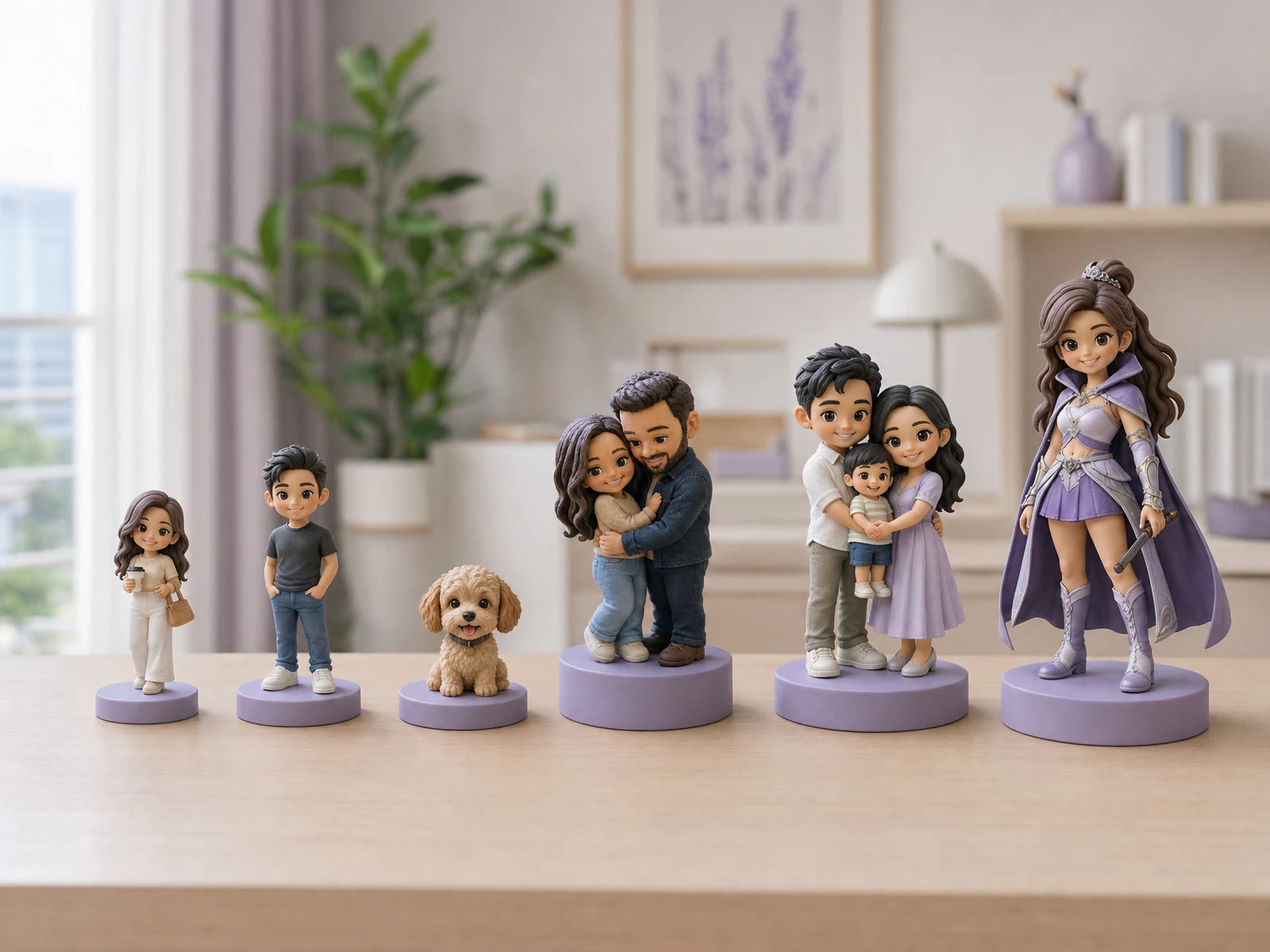
Full-body models and busts need different information
For a full-body model
Look for an image that includes the head, torso, arms, legs, shoes, and intended posture. This matters when the outfit has a distinct silhouette, such as graduation robes, sports clothing, a uniform, or a dress. When a table hides the legs or the photo ends at the waist, the missing area must be interpreted.
The subject does not need to stand rigidly. A natural pose is useful as long as the limbs and important details do not overlap so heavily that they become difficult to separate.
For a bust
Prioritise the face, hairstyle, jawline, glasses, neckline, and shoulders. A sharp upper-body portrait may carry more useful facial information than a distant full-body image.
Cropping can remove distractions and centre the subject. It cannot restore a hand, leg, hairstyle edge, or accessory that was never present in the original file.
Adjust the checklist for the subject
One person
Choose a photo that shows the face and the personal detail that carries the idea: hairstyle, glasses, expression, professional clothing, or a hobby item. If an object hides much of the body, decide whether it is more important than the missing pose information.
Couples and families
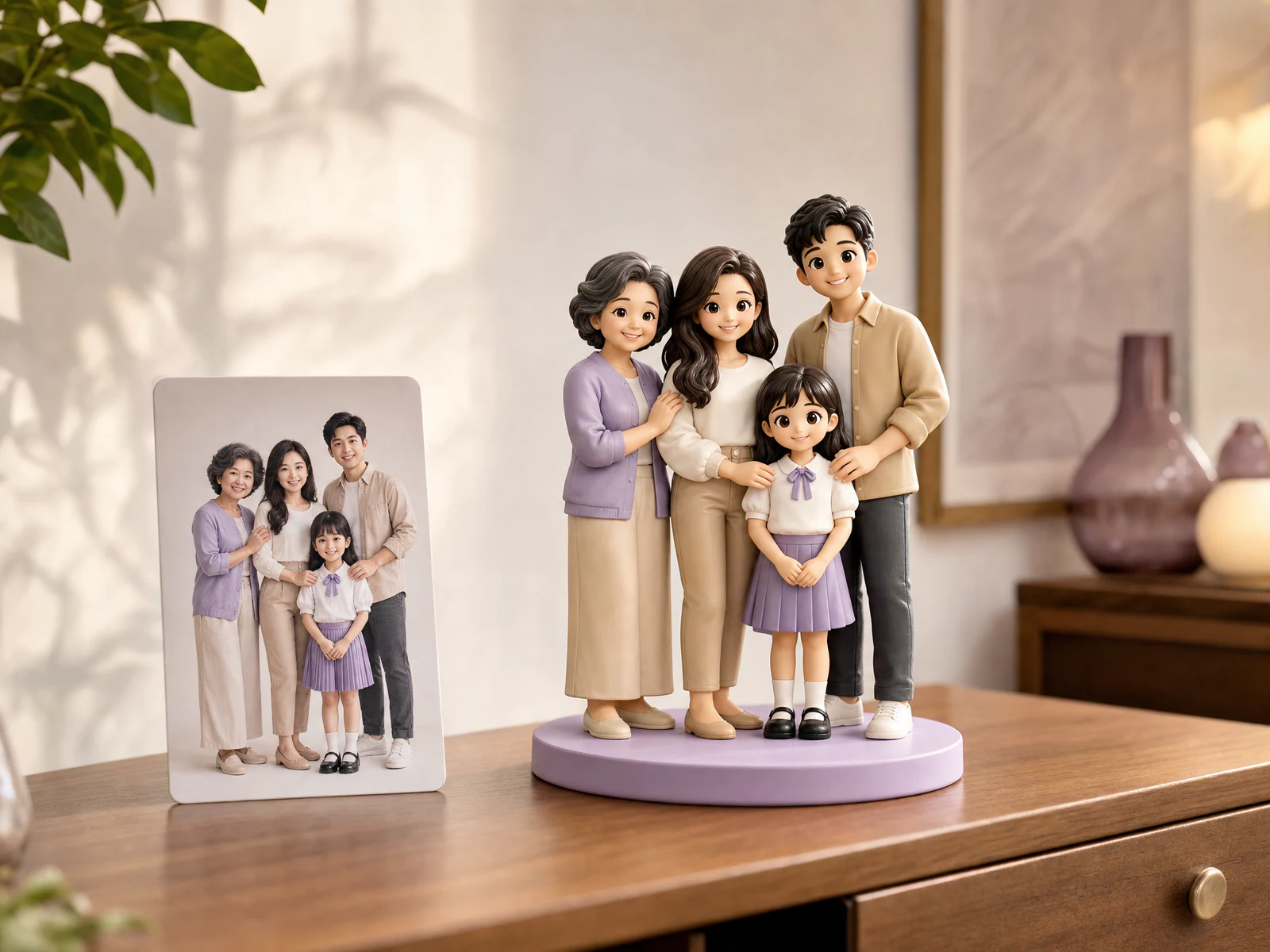
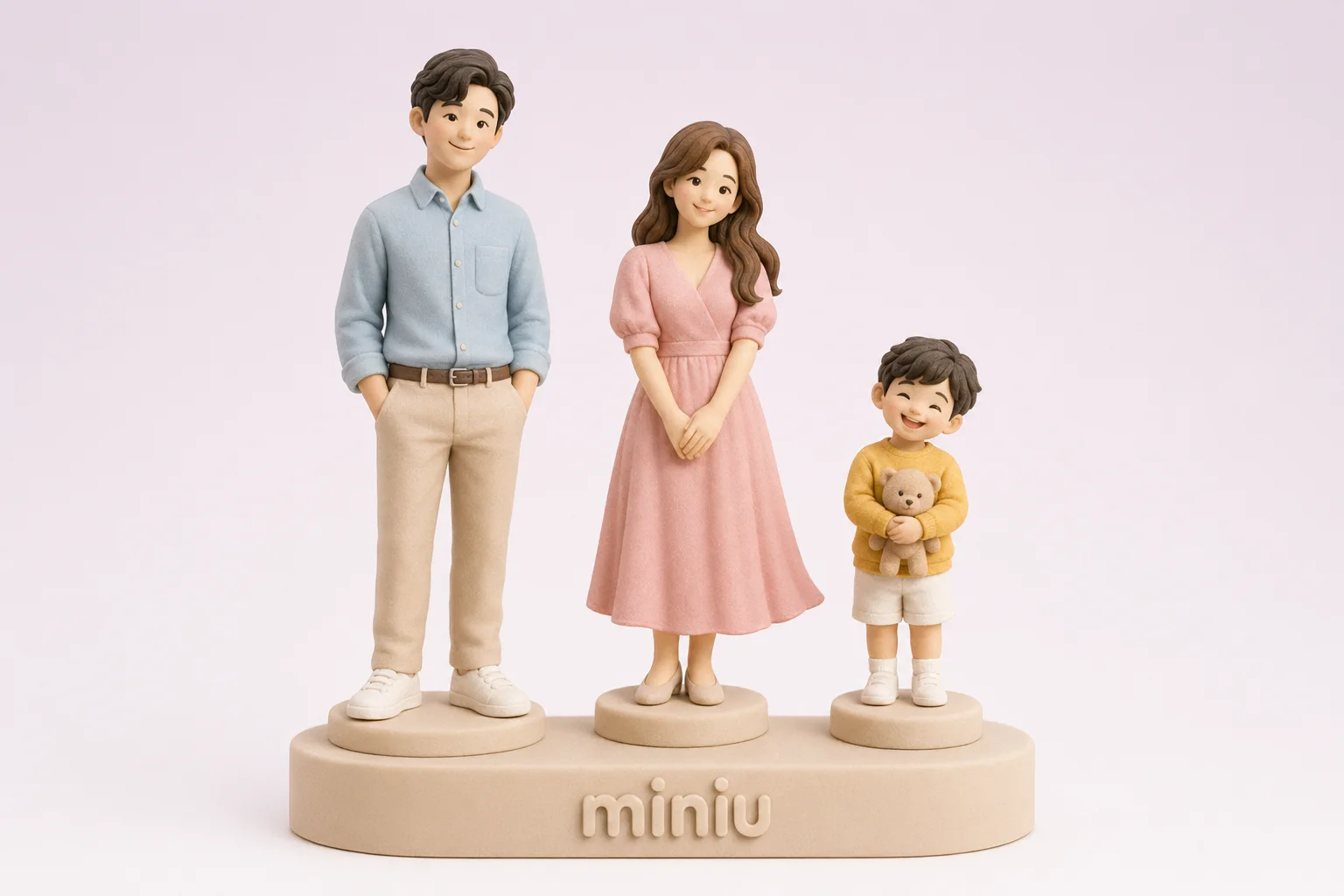
Every person should be large enough to recognise. Look for visible faces, approximate relative height, placement, and interactions such as holding hands, an arm around a shoulder, or carrying a child. If someone is hidden, use a clearer group image when one exists. The couple figurine and family figurine pages cover composition and sizing in more detail.
Pets
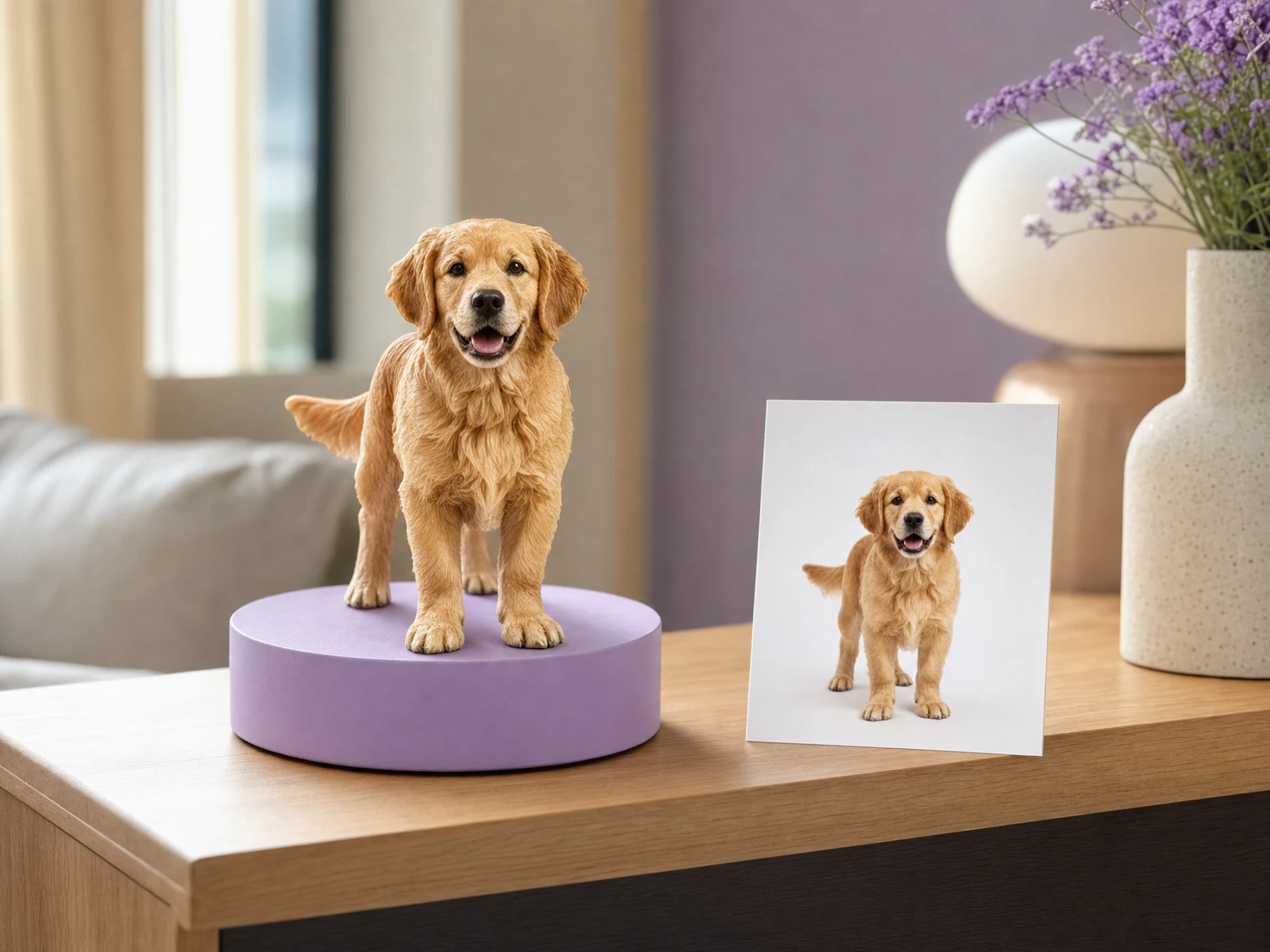
Check the eyes, ear shape, muzzle, body, legs, tail, coat colour, and distinctive markings. Small features such as a chest patch or everyday collar can carry more recognition than a decorative background. Dark-coated pets need enough light to separate the face and markings. See the custom pet figurine guide for pet-specific ordering decisions.
Drawings and original characters
Use an image where the full character is visible and important areas are not covered by text, signatures, or other artwork. Shapes, colours, and accessories should be distinguishable from the background, and you must have the right to use the image.
Photos that create avoidable guesswork
- Motion blur or focus that falls behind the subject
- Strong backlight, very dark faces, or mixed lighting that changes colour
- Screenshots reduced in size or covered by captions and interface buttons
- Beauty filters that reshape features or recolour the subject
- Wide group photos where the intended person is tiny or hidden
- Full-body photos that cut off feet, hands, hair, or an important accessory
- Conflicting outfit or hairstyle information that leaves the intended direction unclear
A meaningful but technically weak image is not a bad memory. It may simply be the wrong primary reference. Brightening and cropping can improve readability but cannot recreate missing information. If there is no clearer option, use the contact page to ask the team before you begin.
Give cropping and the request field separate jobs
The Miniu website lets you crop the uploaded photo. Remove distracting space while keeping enough room around the head, body, or pose. Avoid a tight crop that loses hands, shoes, ear tips, or a pet’s tail.
Use the request field for details the photo may not communicate reliably: “keep the red frames,” “use the shirt colour in the photo,” or “make the blue collar visible.” Prioritise two or three details. A long list does not help when its instructions conflict with the image.
Review direction in the Preview
After signup or login, Miniu creates a Preview from the photo and selected options. Check the elements that shape the overall result:
- Face and hairstyle direction
- Style and head-to-body proportion
- Clothing, colour, and major accessories
- Pose, placement, and relationships between subjects
- The details you explicitly marked as important
The Preview cannot turn an unseen part of the source photo into factual information, and it is not a promise that a small physical model will reproduce every pixel. Fine facial features, fingers, fabric patterns, fur, and surface detail still depend on size, material, and production. The custom 3D figurine size guide explains those trade-offs in more detail.
Once your Preview appears, use the figurine Preview review checklist to decide what needs changing and what a single 2D image cannot confirm.
Check privacy before uploading
Only submit an image you are entitled to use and consider the privacy of everyone shown, especially children and family members. Before upload, inspect the background for identity documents, addresses, parcel labels, work papers, screens, or other personal information that is not needed. Choose another photo or crop that material out without cutting the subject.
Once one image passes the checklist, identify the one or two details you care about most. You can then start the Preview and decide on style, size, and final options with a clearer reference in place.