Decide what the piece should say before adding more to it
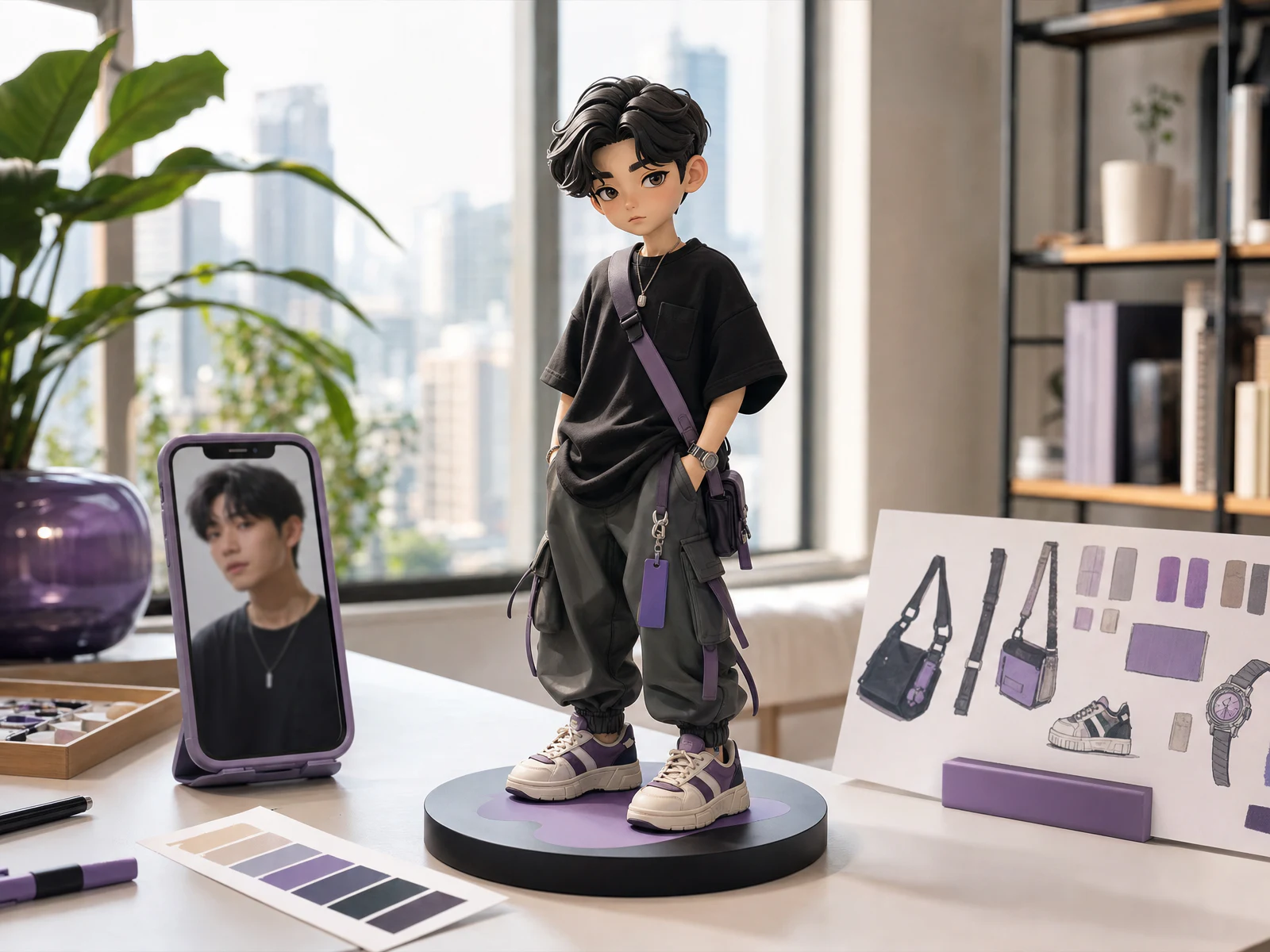
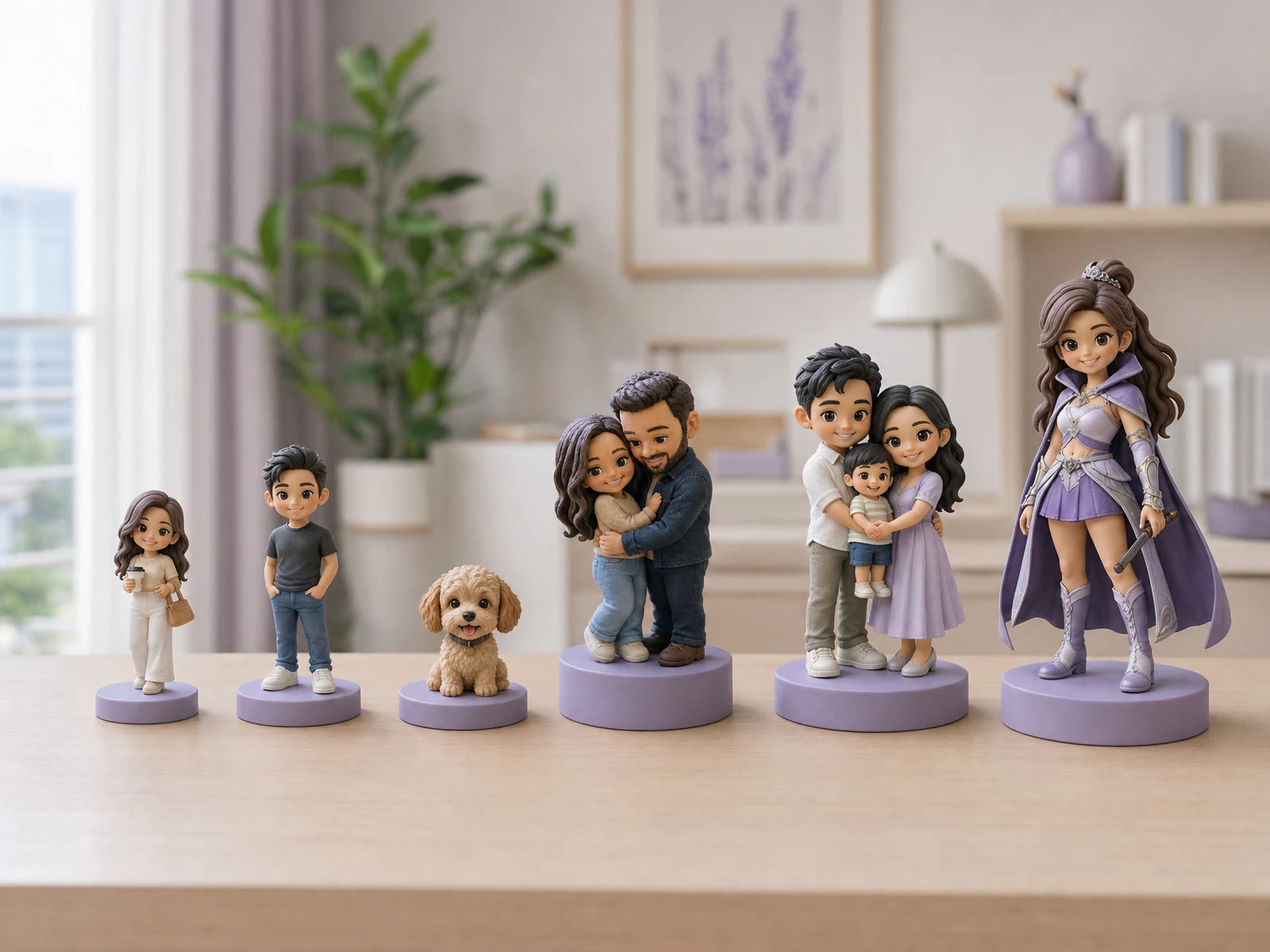
A figurine can work as a portrait, a named keepsake or a small scene. The base connects those choices. Ask what you want someone to notice first: the person or pet, the message, or an activity that tells their story.
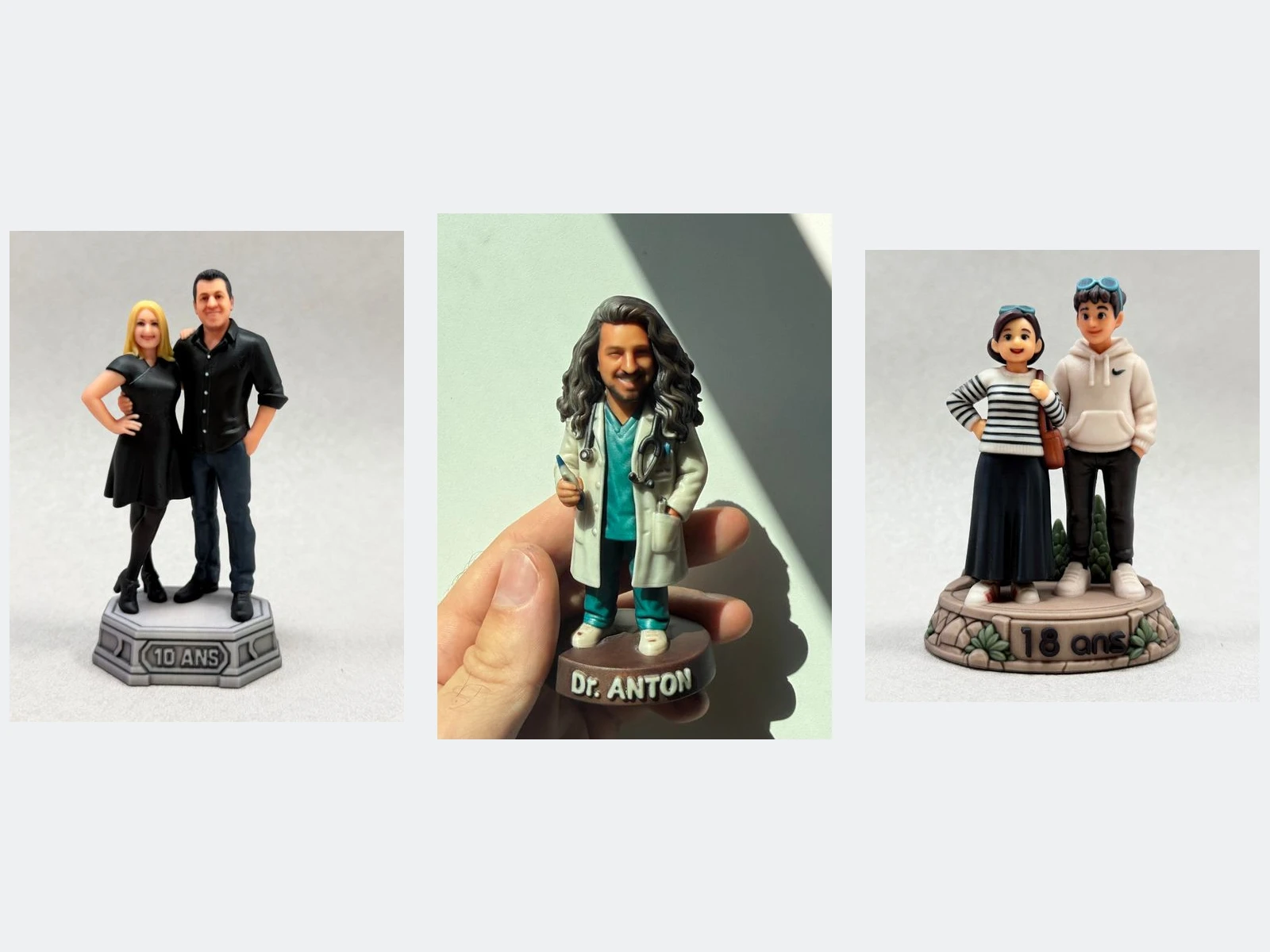
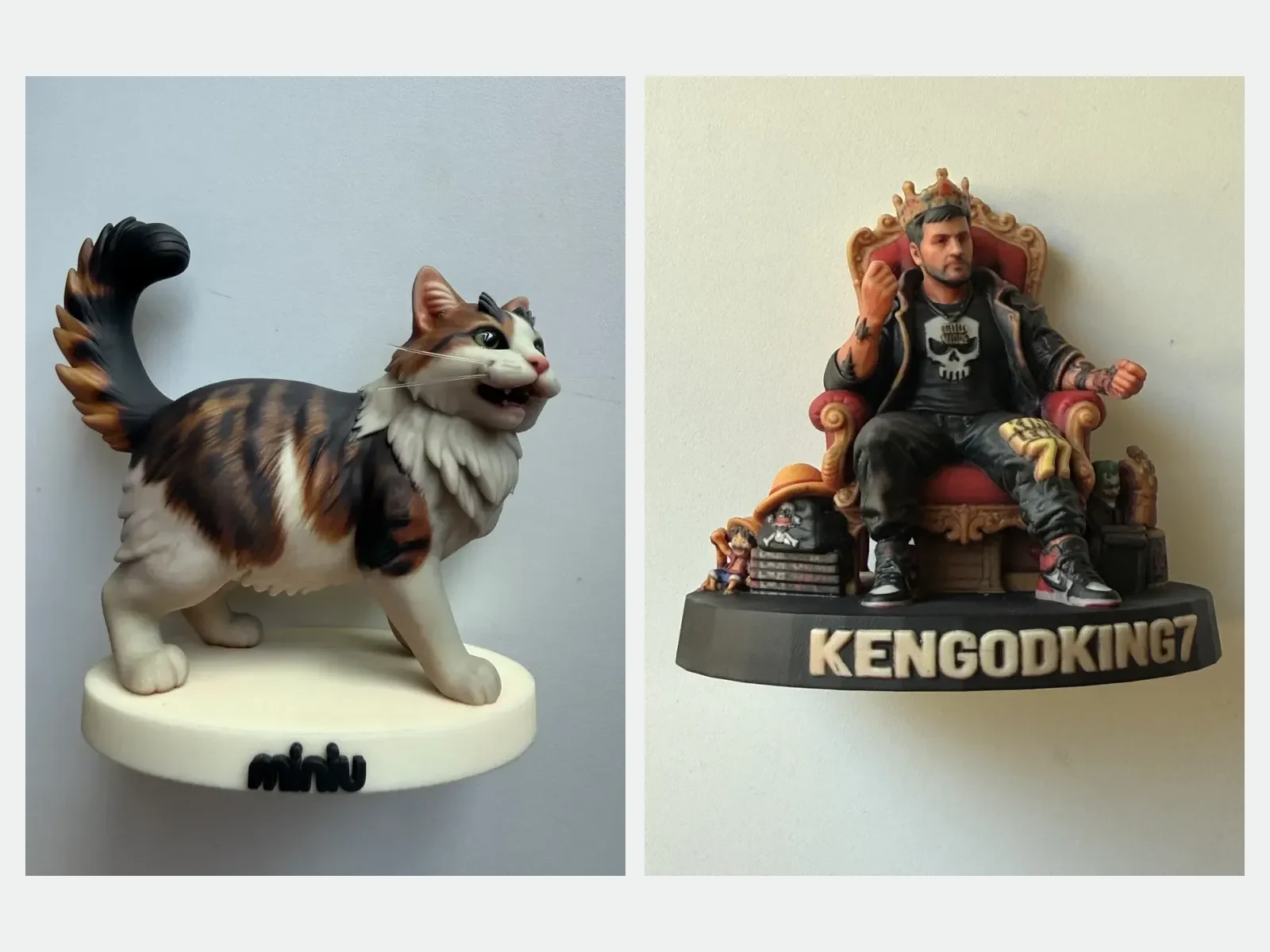
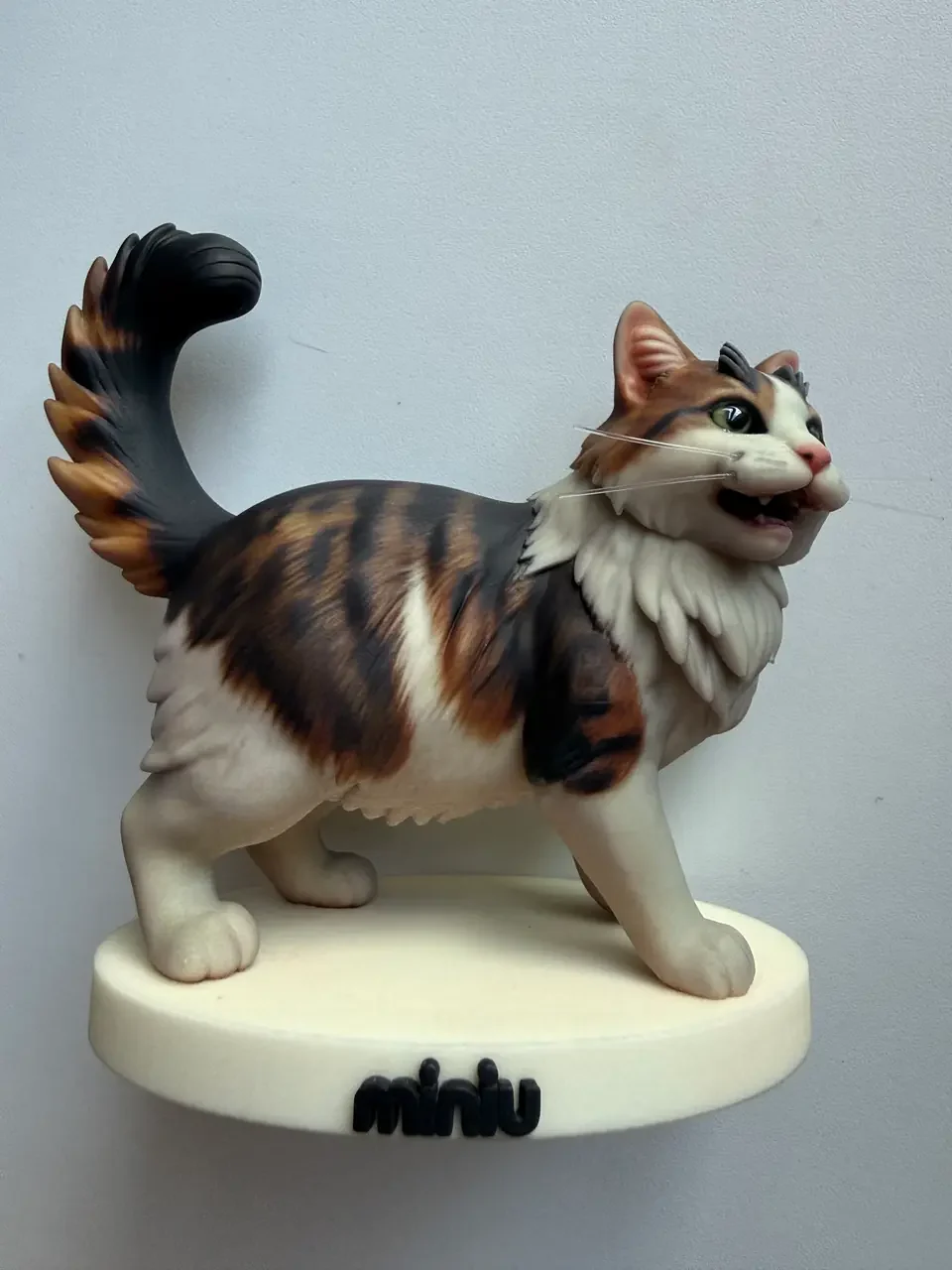
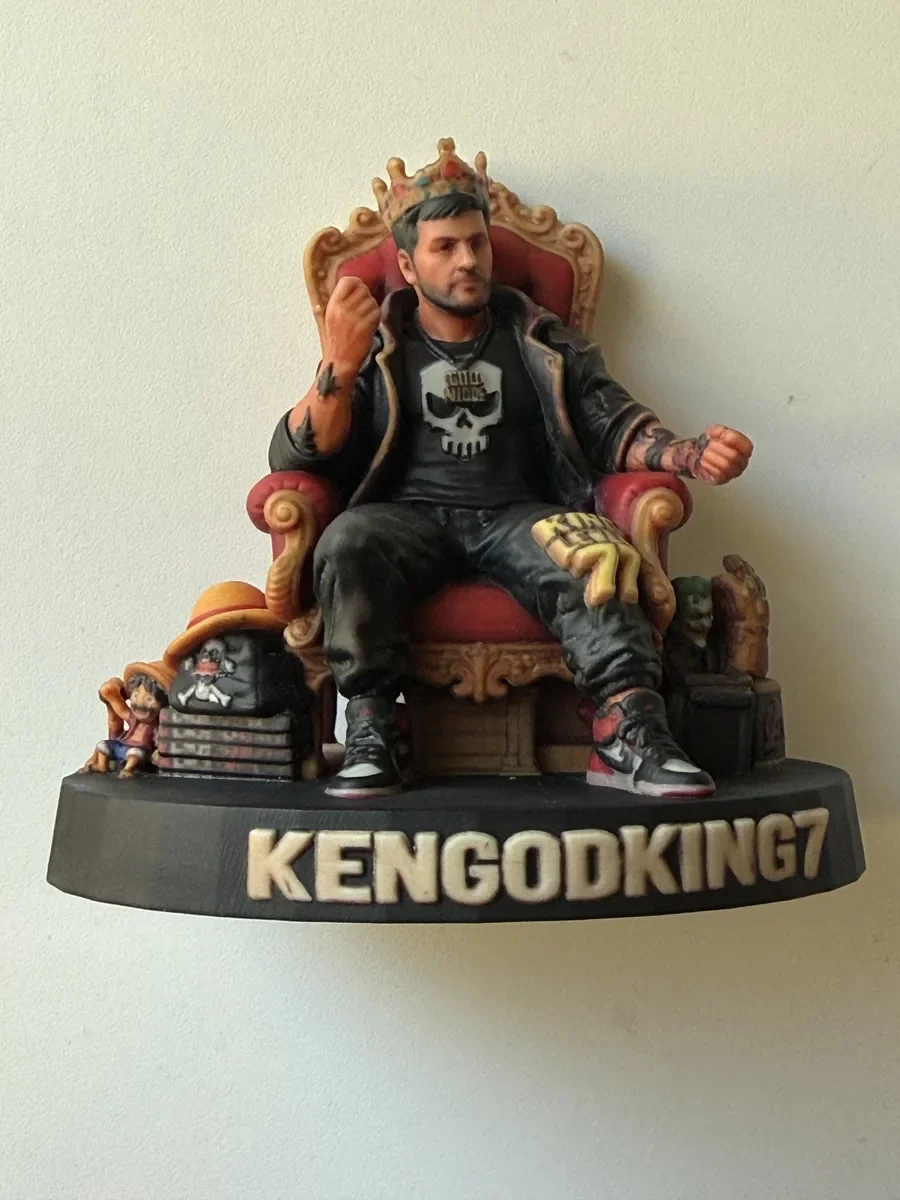
The photographs here show actual finished Miniu pieces from several markets, including France. They are different orders, not three packages at a common price or a scale comparison. Their bases and props are individual choices. Explore the full photographs and other angles in the real-piece gallery.
1. Let the base support the subject
A simple base keeps attention on the figure
When the face, familiar pose or a pet’s markings carry the meaning, a restrained base gives them room. More decoration is not automatically more personal.
A named base adds context without a larger scene
A nickname, pet’s name or short shared phrase can make a small gift feel specific. Think about its display position: a message on the front is useful only if that face of the base is visible from where the recipient will usually look.
A scene needs more than a name option
A chair, stage or shared setting may be part of the composition itself. Changing a name or base colour is not the same as commissioning an entirely different structure. Use the custom quote form for an unusual scene or shape rather than assuming a personalization option covers it.
Browse the base catalogue for design directions, then check current availability and pricing in the app. An older gallery piece is not a promise that its exact base appears in today’s catalogue.
2. Know which base option you are choosing
- Standard: the included base option, without your own text or colour customization.
- Personalized: change the text, base colour and lettering colour, or explicitly choose no text.
- Premium: select a catalogue design and enter the lettering or choose no text. The charge depends on the selected design.
- No base: a separately priced preparation option, not an automatic saving. Ask about display suitability when a pose or prop shifts the balance of the piece.
If your request or source image includes particular lettering or a base, a paid custom option may already be selected. Read the explanation before accepting the total. Switching back to the standard option also means that the particular base shown in the image will not automatically be made.
3. Make the message easy to read, not just easy to fit
The current app base-text field has a 12-character limit. Start with a nickname or brief phrase rather than a full name, date and dedication combined. Check the field’s counter: Thai vowel and tone marks may count separately, so a name that looks short can use more of the allowance than expected.
Before confirming, check:
- Exact spelling: verify letters, numbers and punctuation against the wording you want, not indistinct lettering inside a Preview image.
- Contrast: choose lettering that stands apart from the base colour. Similar shades may look subtle on screen but be difficult to read on the object.
- Physical room: fitting the text field does not prove that the message will be legible at your chosen size. Ask about wording that must be readable or requires a particular letterform.
For Thai wording, a long name or essential letter styling, contact Miniu on LINE @miniu_bkk before paying. Entering text in the field is not confirmation that every script or arrangement will print clearly. Do not shorten something meaningful beyond recognition just to get past the counter.
4. Choose the accessory that would be missed most
A guitar, football or work tool can explain who a person is more effectively than several unrelated decorations. Start with one essential object, then consider how it sits in the hand, relates to the pose and shares space with the base.
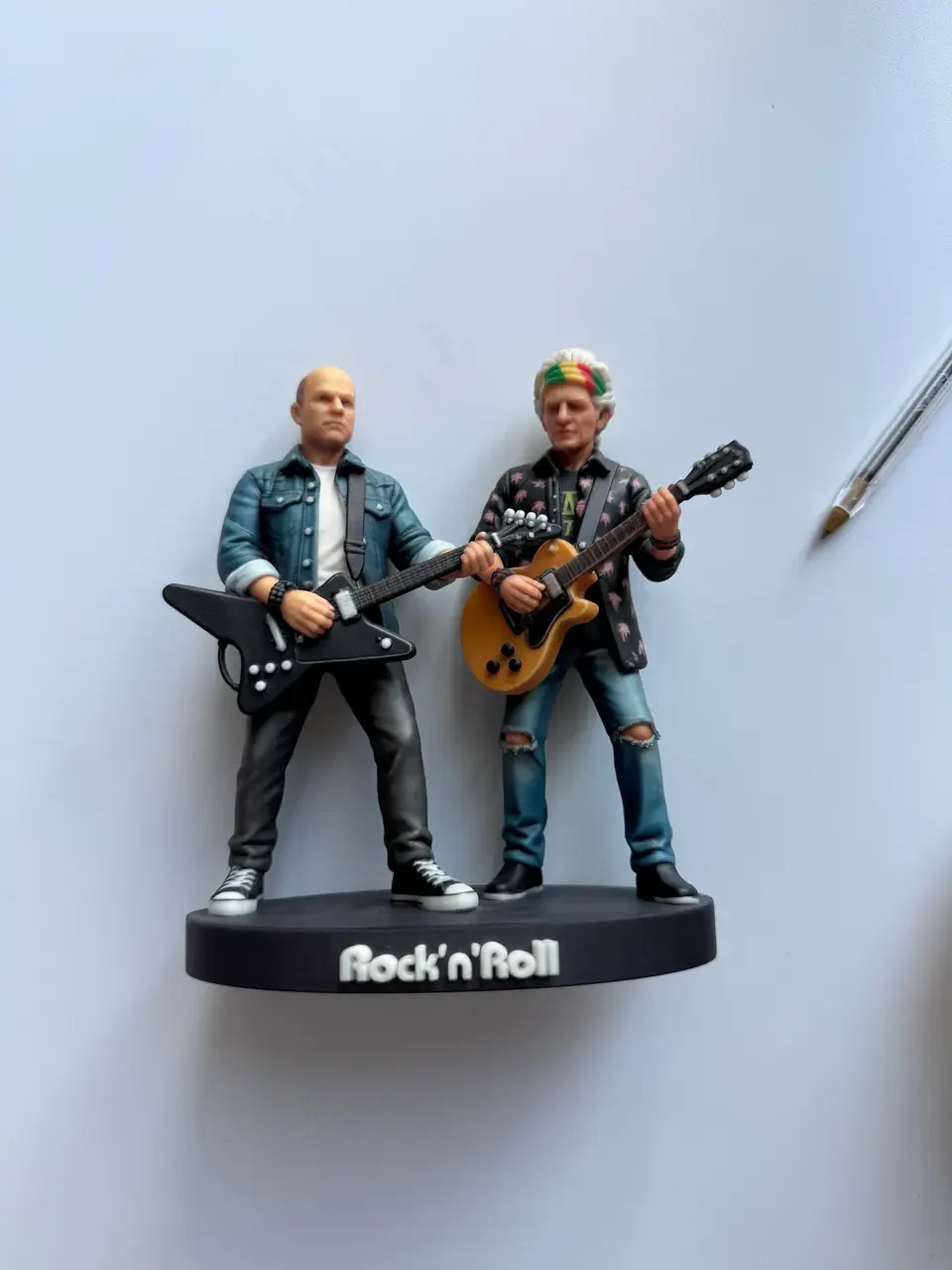
Very thin or small parts may need simplification or a different placement. Consult the size guide for the complete composition: a wider base alone does not automatically enlarge a face or tiny prop. Use protected logos or characters only when you have the necessary rights and Miniu confirms feasibility.
5. Confirm the selections, not only the picture
See the singer example in Preview versus finished figurine for a real piece with a different base from its retained design image. It shows why the order selections matter separately from an initial illustration.
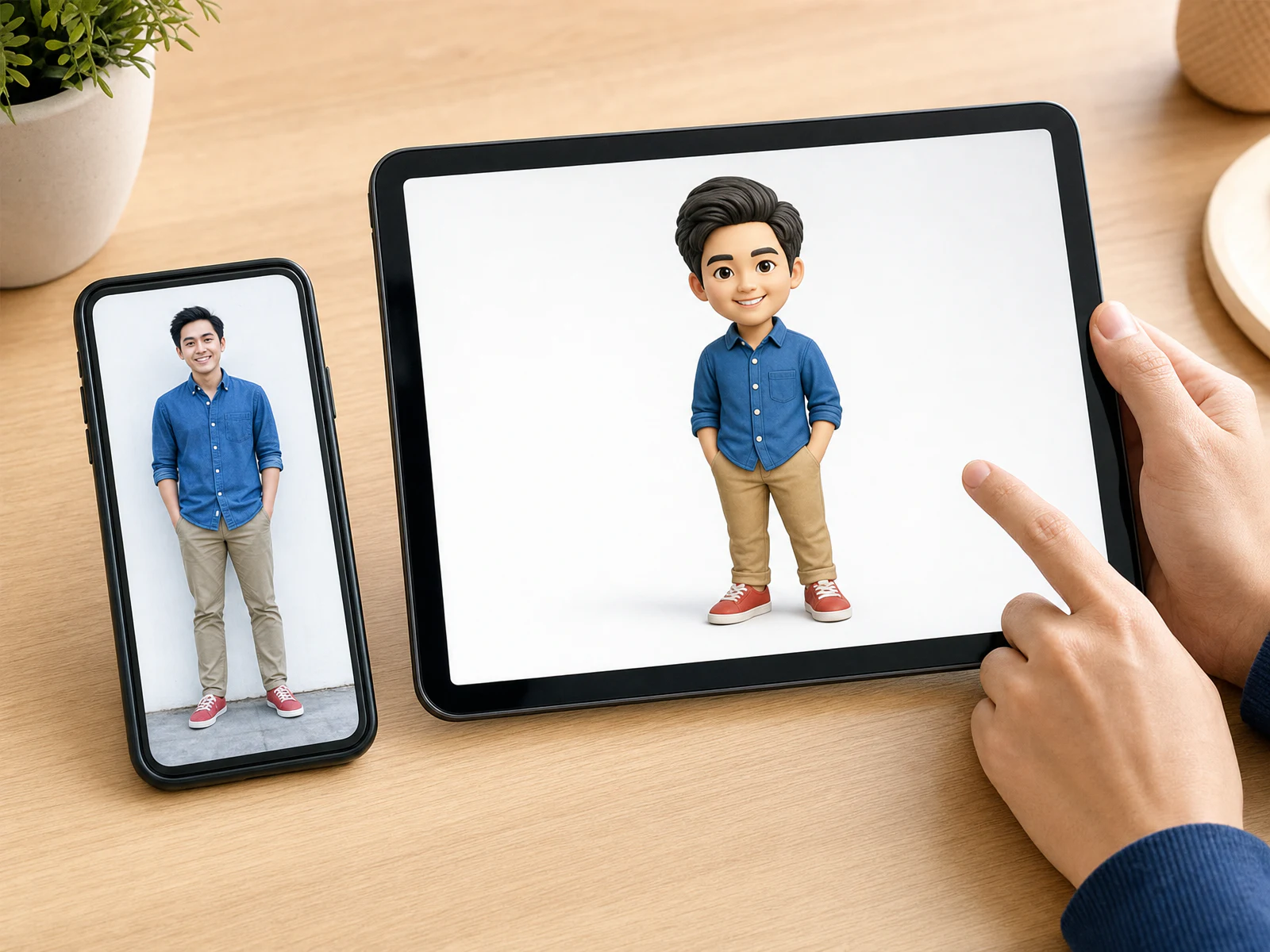
Start with one primary photo, choose a style and describe the details that matter. Review the 2D Preview for the subject’s design direction, then select size, base and accessories in the app. The Preview checklist covers the face, outfit and pose before those final choices.
Lettering or a decorative base in the initial image does not confirm that every extra is included. Nor is a 2D image a physical colour or strength proof. After changing the base or message, inspect the selected options rather than assuming the initial Preview automatically redraws every change.
Before payment, verify the exact text, selected base, colours, size, subject count, accessories and full THB total. The current pricing page helps with budgeting; the app’s order summary gives the total for your actual selections. If a critical detail is unclear, resolve it before ordering rather than expecting an unrequested change after payment.